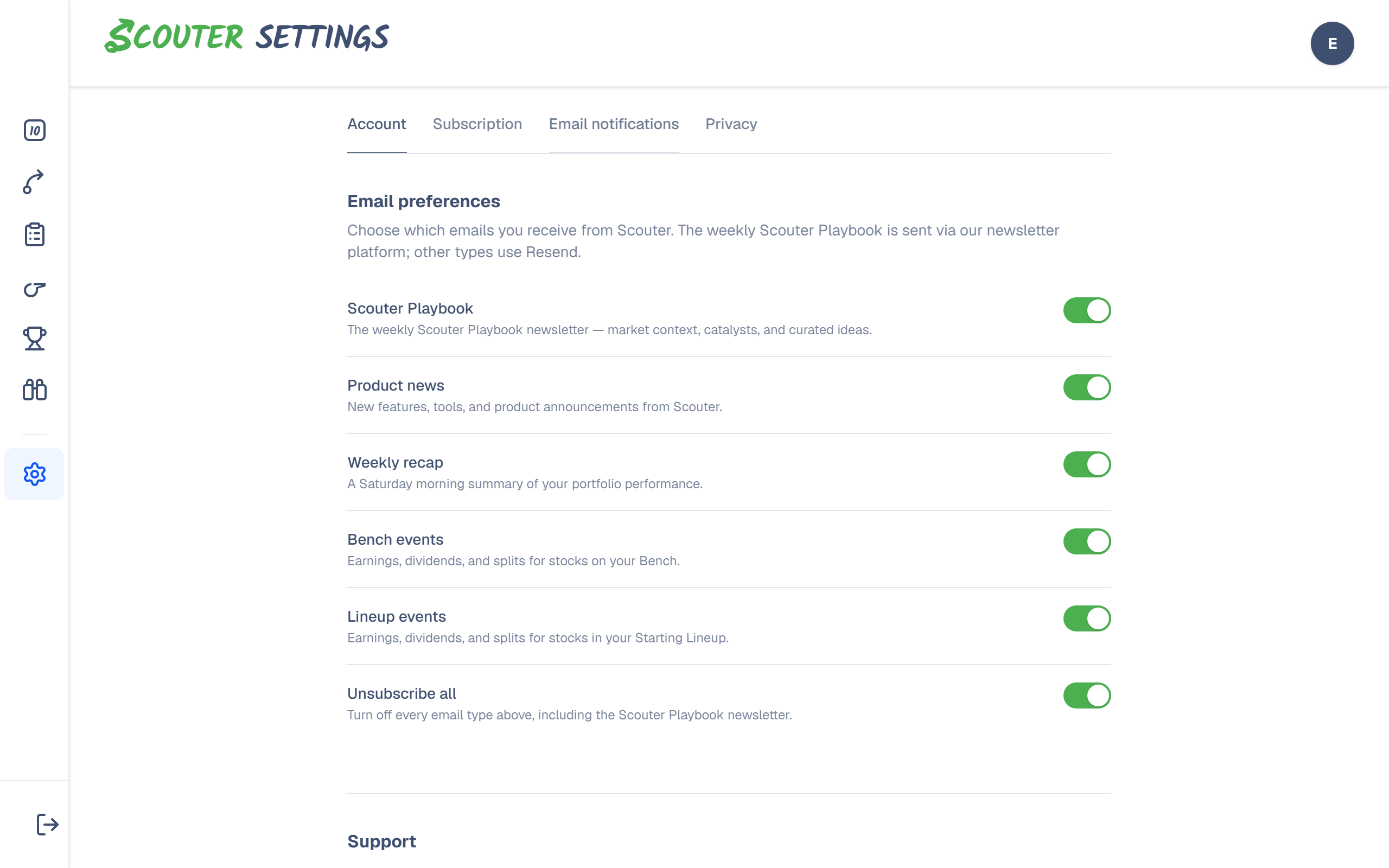
Scouter can email you a weekly newsletter, product updates, and alerts tied to your Bench or Starting Lineup. You control each type separately under Settings → Email notifications.
You must be signed in. Changes save to your account and apply wherever you use Scouter.
How to change preferences
- Open Settings.
- Select the Email notifications tab.
- Toggle each email type on or off.
- Optionally use Unsubscribe all to turn every type off at once (this does not cancel a paid subscription).
Email types explained
| Email type | What you receive | Default |
|---|---|---|
| Scouter Playbook | Weekly newsletter with market context, catalysts, and curated ideas | On |
| Product news | Announcements about new features and product updates | On |
| Weekly recap | Saturday summary of how your portfolio performed | Off — turn on if you want it |
| Bench events | Earnings, dividends, and splits for tickers on your Bench | Off — turn on if you want it |
| Lineup events | Earnings, dividends, and splits for Starting Lineup holdings | On |
Unsubscribe all turns off every row above, including the Playbook. You can turn individual types back on later without re-subscribing from an email link.
Broken links in emails
One-click unsubscribe or preference links in old emails can expire. If a link fails:
- Sign in at scouterai.com.
- Go to Settings → Email notifications.
- Set the toggles you want.
That page is always the reliable place to fix preferences.
Related: Managing your account · Privacy settings · Starting Lineup & Bench